How it works
Four steps. A record of every one.
What your staff do, what the person on the other end sees, and what you can show an auditor afterwards.
Send
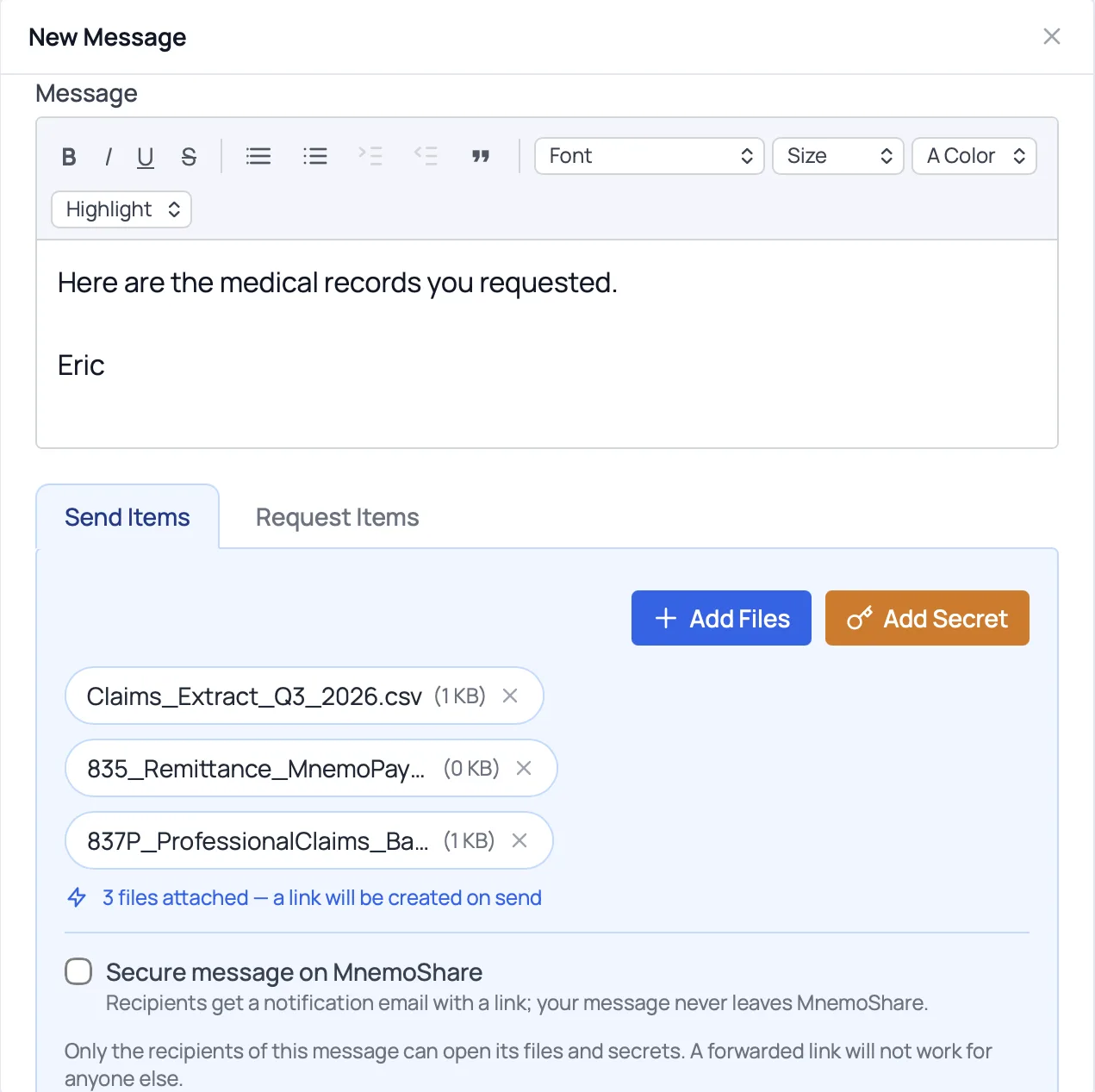
Attach files, add a note and send. A secure link is created for you. Only the people you sent it to can open it, and a forwarded link won't work for anyone else.
Verify
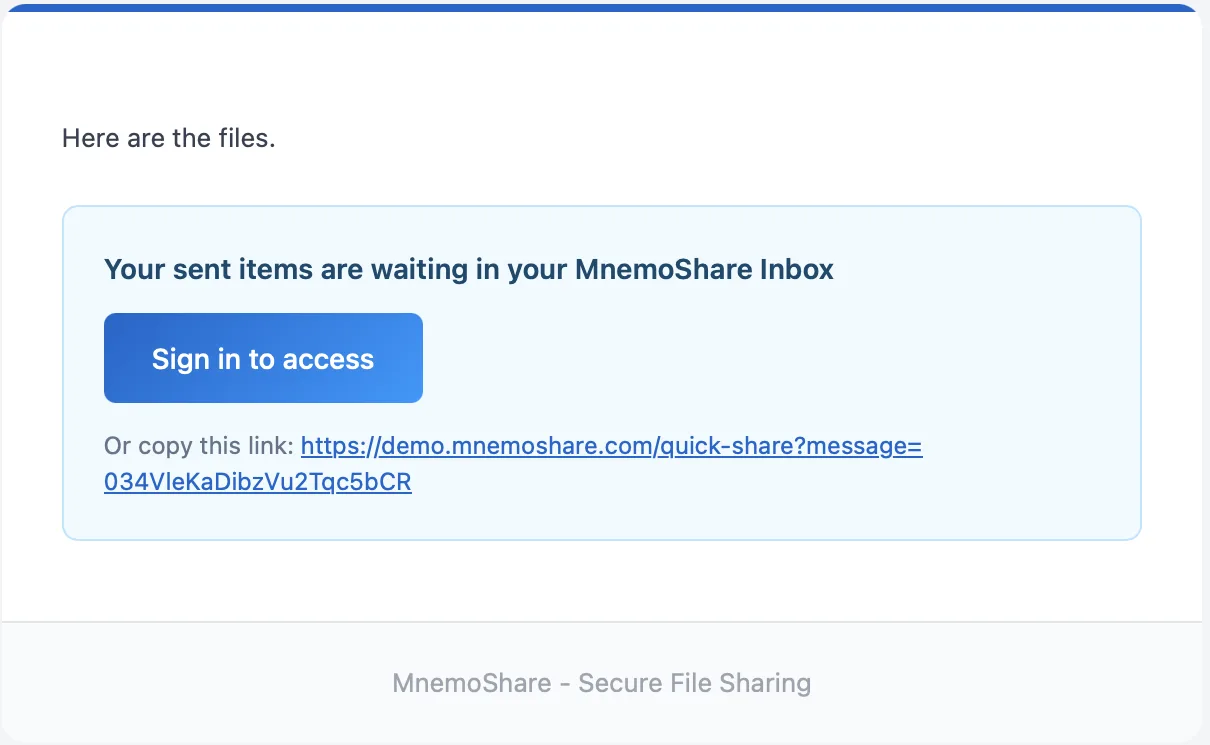
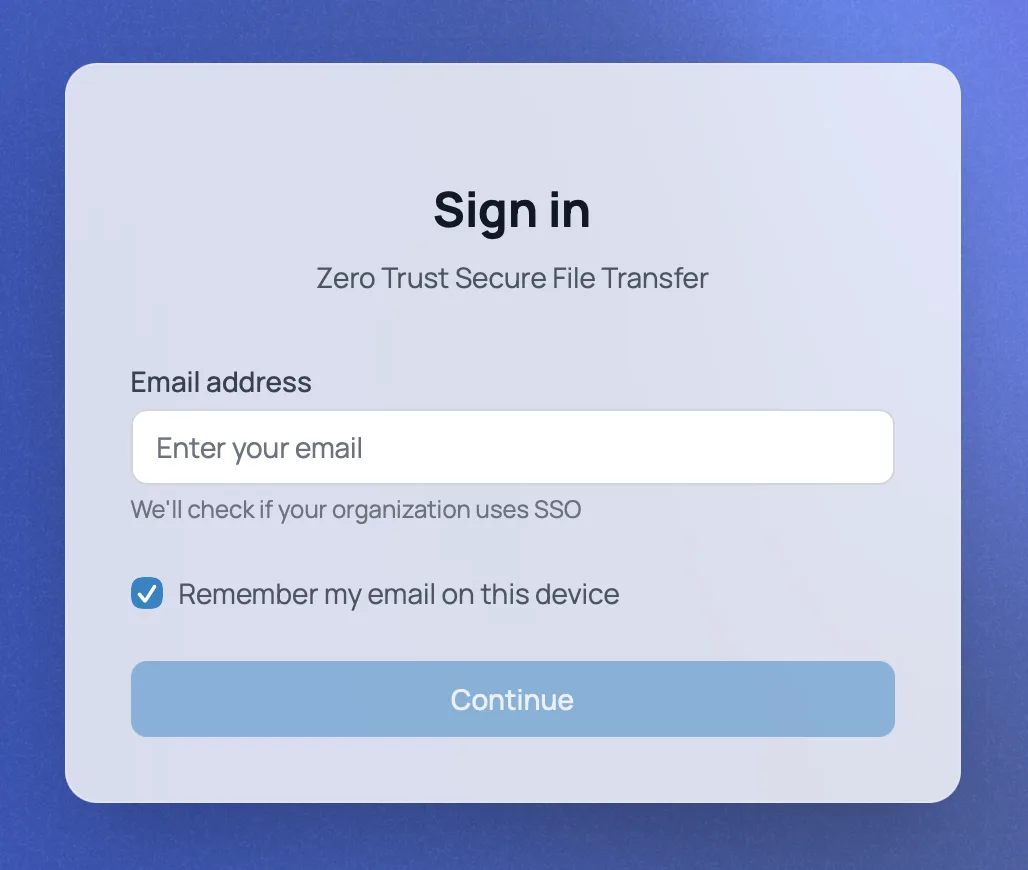
The recipient gets an email with a secure link. Before anything opens, they confirm who they are with their email address. You can also ask them a question before they download.
Open
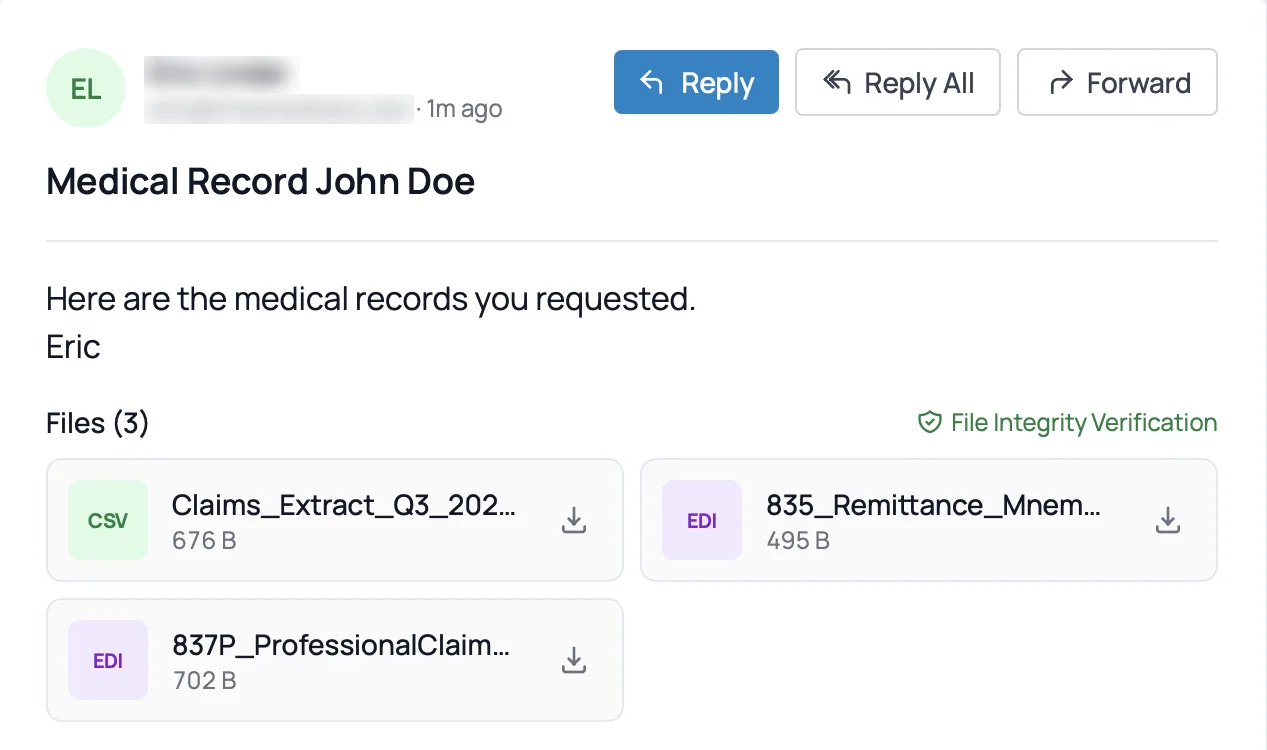
They see your message and the files in their browser, with a file-integrity check, and download what they need. No account to set up and nothing to install.
Record
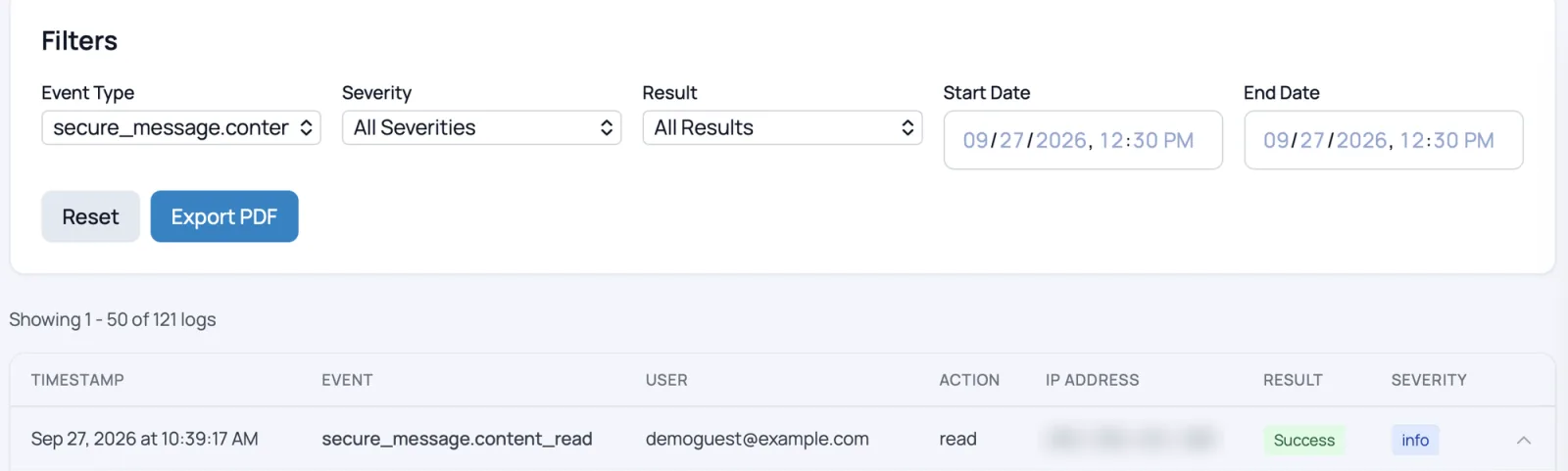
Every send, verification, open and download is logged with who, when and from where, in a record that can't be quietly edited. Export it as a PDF for an auditor. Revoke the link at any time, even after it's been opened.
Works both ways
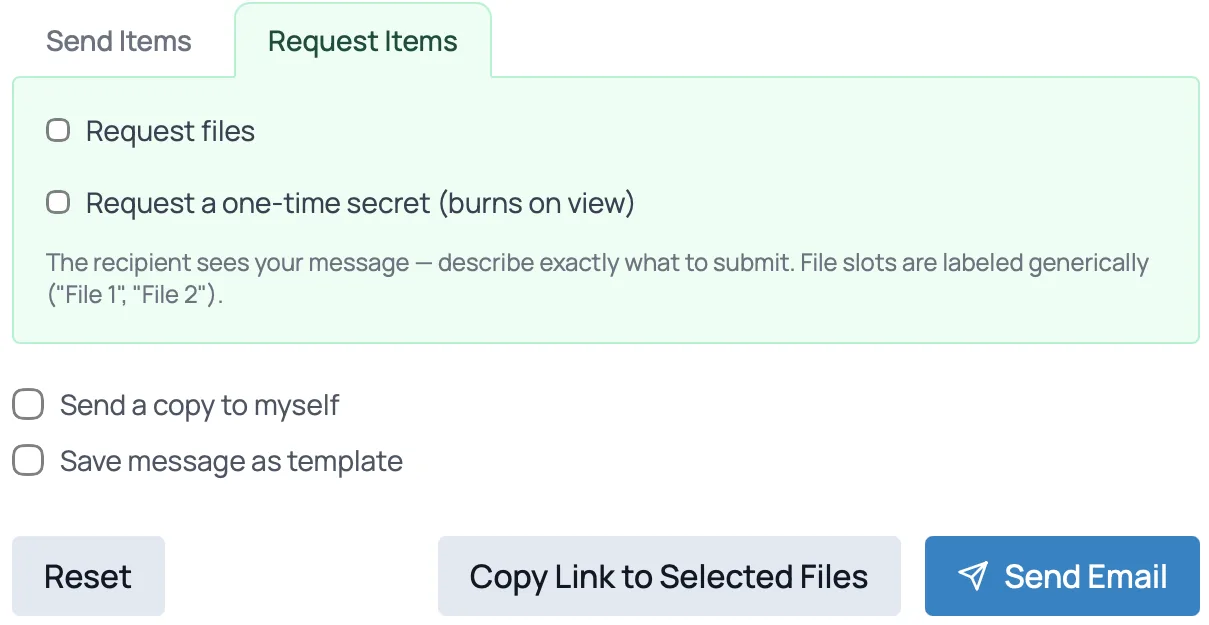
Ask for files, not just send them.
Request documents or a one-time secret from a client or partner. They upload into the same secure exchange, and it lands in the same record. No more "just email it to me."
Behind the scenes
What happens that nobody has to think about.
Encrypted throughout
Files are encrypted while stored and while moving.
Checked on the way in
Uploads are scanned for sensitive data, and for malware (included from Business+).
Links that expire
Access ends on the date you set, or the moment you revoke it.
No permanent passwords
Access is short-lived, so there's nothing sitting around for an attacker to steal.
Your rules, for everyone
Set it once. Every exchange follows it.
Your administrator decides how sensitive information moves, so it doesn't depend on each person remembering.
- 01Keep message text on MnemoShare. Recipients get a notification, never the content, by email.
- 02Replace real subject lines in notification emails, so a patient's name never sits in someone's inbox.
- 03Set how long links last by default, and the longest anyone can choose.
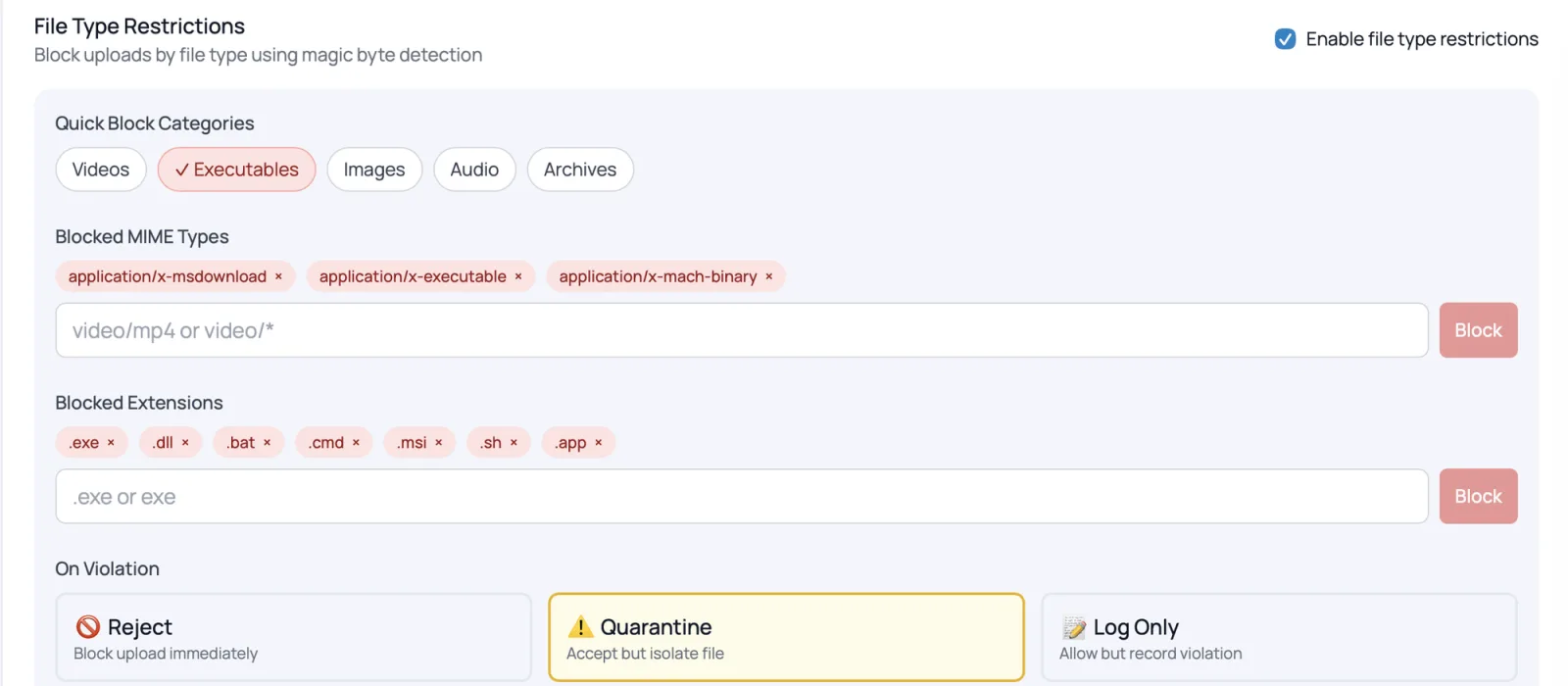
- 04Block risky file types like programs and scripts, or hold them for review.

Forms and e-signature
Collect it and get it signed, without the email back-and-forth.
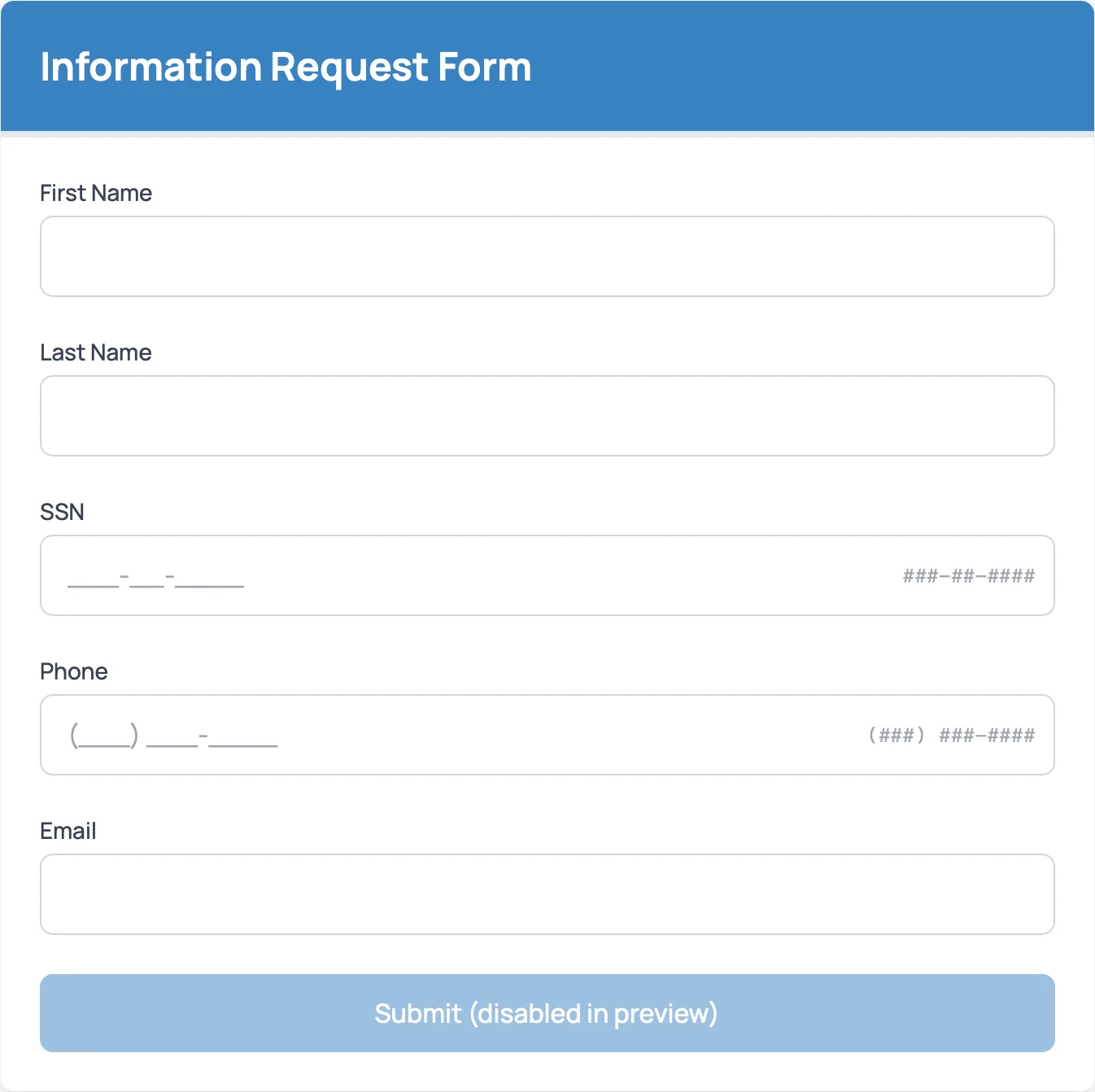
Send a secure form to collect details like a Social Security number, or turn any PDF into a document your clients sign in their browser. Everything they submit lands in the same record.
Secure forms
From BusinessBuild your own, with formatted fields for things like Social Security and phone numbers.
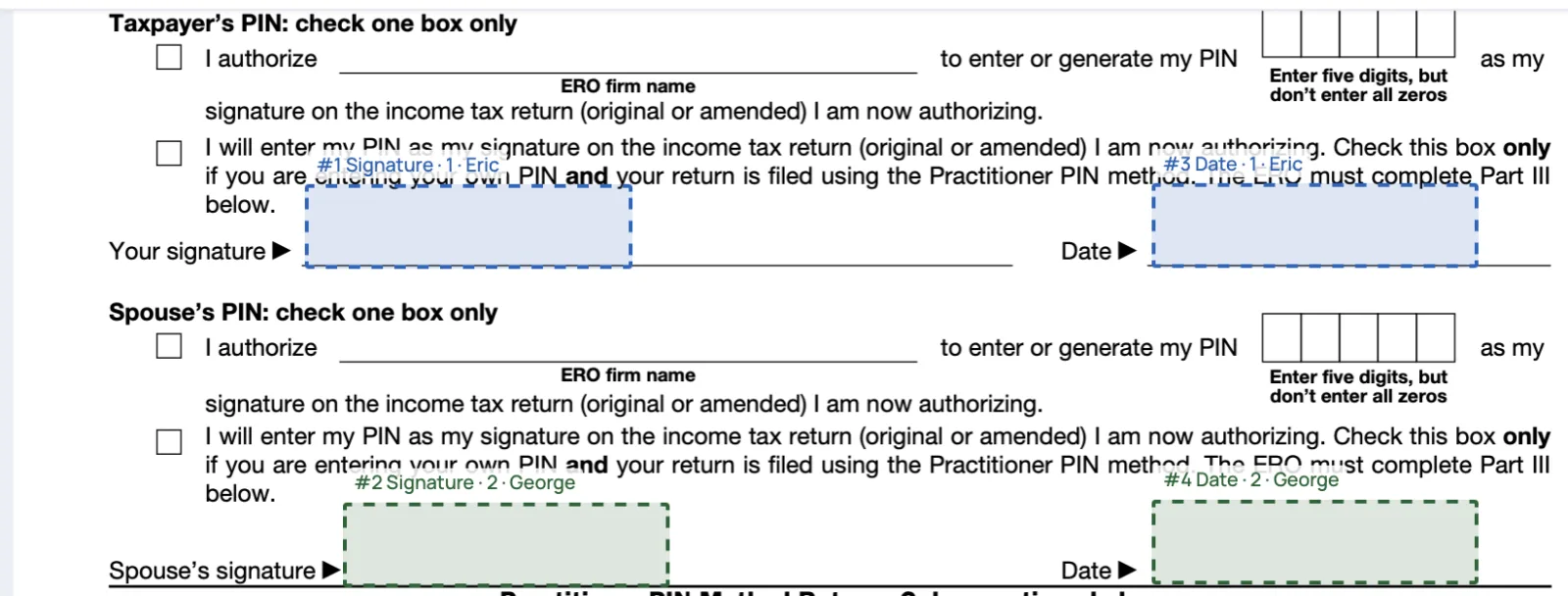
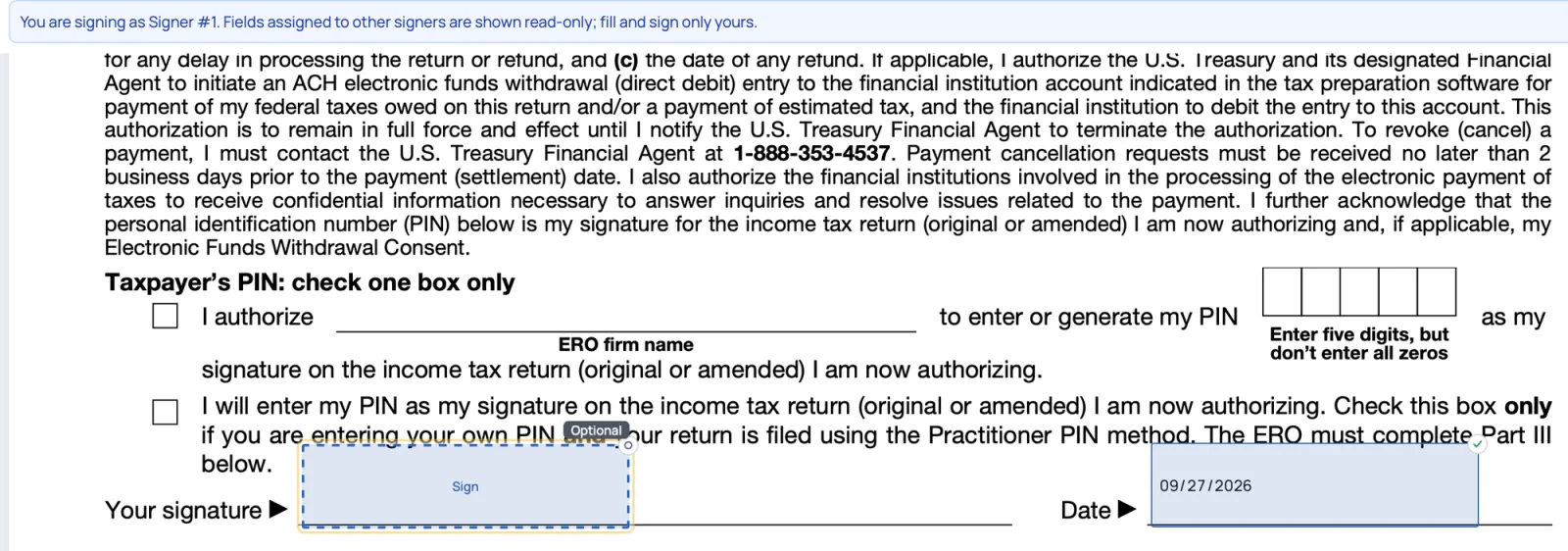
E-signature
From Business+Upload a PDF, place signature and date fields for each signer, and send. Each person fills and signs only their own part, and the signed copy keeps trusted timestamps.
One record
Every send, open and download, in one record you can export for an auditor.
One-time secrets
Send it once. Then it's gone.
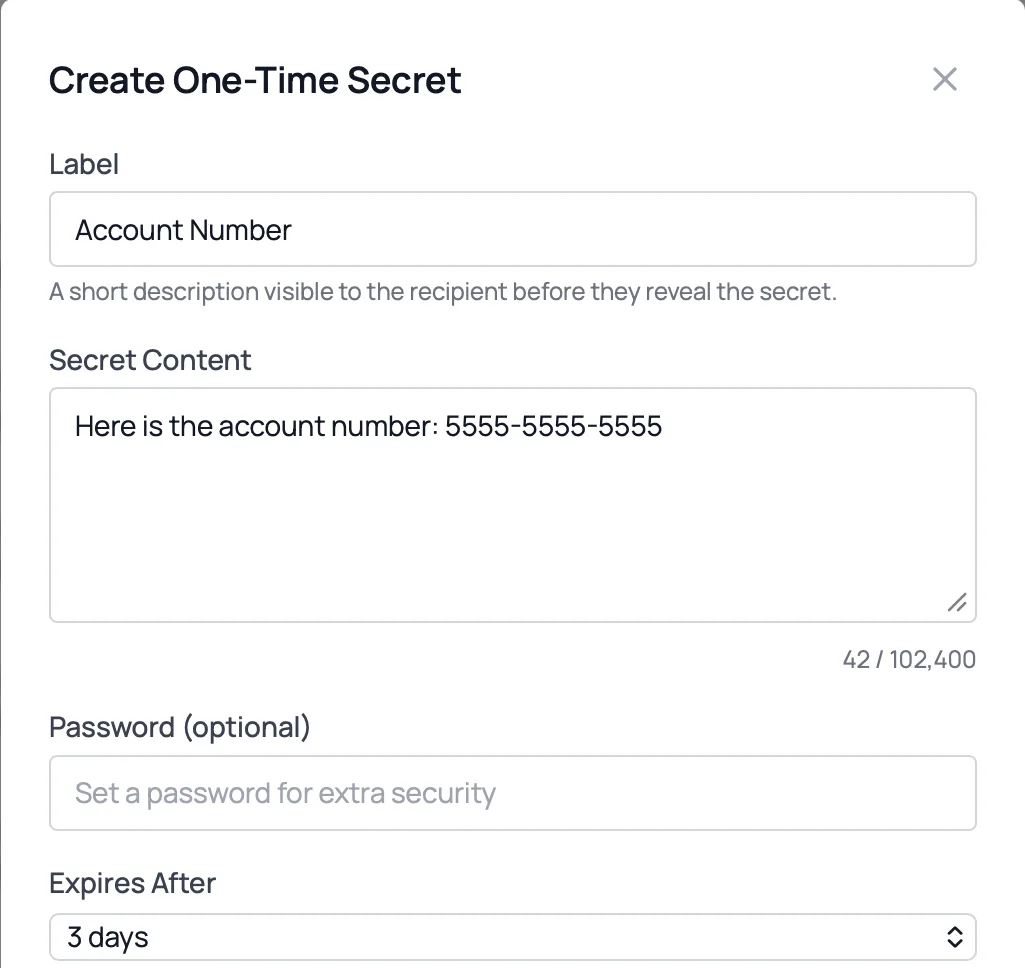
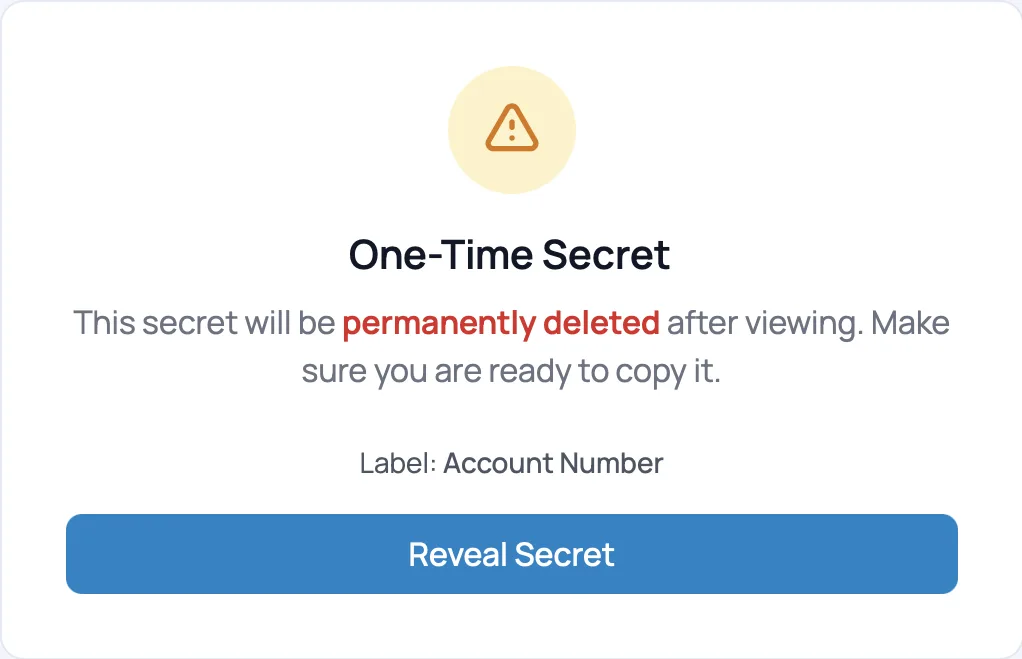
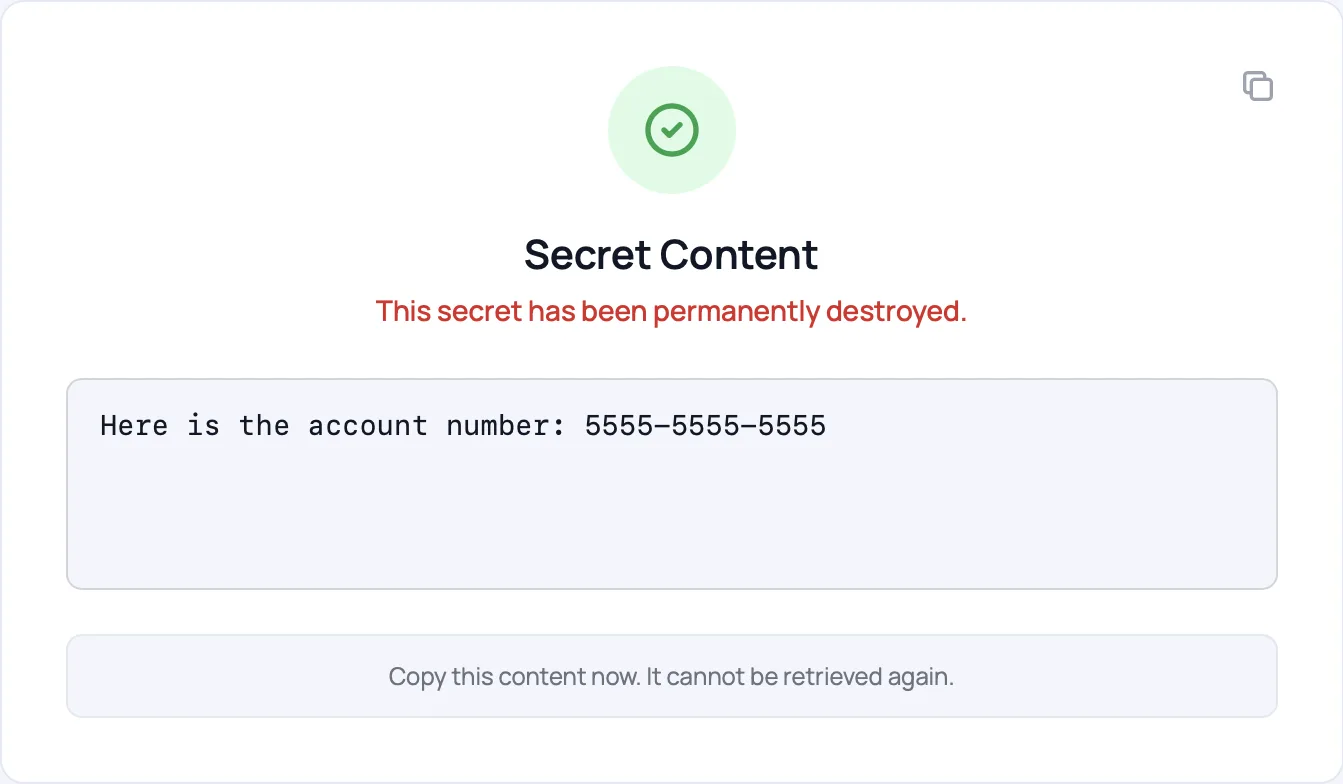
Account numbers, passwords and card details shouldn't sit in anyone's inbox. Send them as a one-time secret: the recipient can open it once, and then it's permanently deleted.
- Add a secret to any secure message, or send it on its own
- Set when it expires if nobody opens it
- Ask a client to send you a secret the same way
More ways to exchange
Beyond one-off files.

Shared folders
An ongoing space for a partner, a matter or a study, with the same record.
Automatic transfers
Scheduled, repeatable file drops to and from partners, with no scripts to babysit.
SFTP for partners who need it
Partners whose systems only speak SFTP keep connecting that way.
Replacing SFTP →For your IT & security team
Need the technical detail?
Identity, credentials, encryption and audit export.